

Don't Let Summer Inventory Go Cold
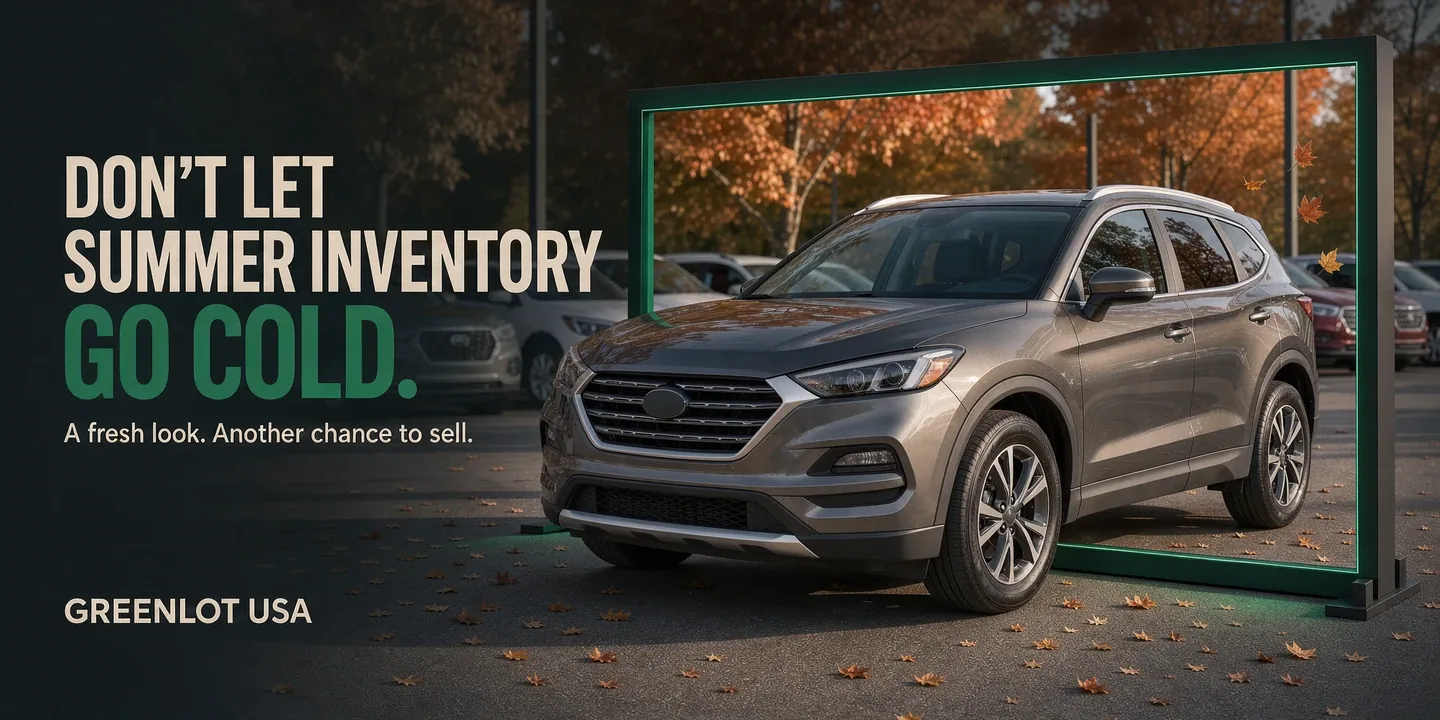
By October, a few vehicles on your lot may have been advertised since summer. You know the ones: plenty of potential, a little interest early on, and then silence.
Before another automatic price reduction, take a fresh look at what shoppers are seeing. Does the listing give someone a compelling reason to call? Are the photos doing the vehicle justice? Have you shared anything besides the same inventory link for the last two months?
Price matters. So do presentation, visibility, and follow-up. A fall inventory refresh is an opportunity to address all three.
1. Start with the vehicles that need attention most
Pull a list of vehicles that have been in stock for 45, 60, or 90 days. Treat those as review checkpoints, adjusted to your dealership's inventory strategy.
For each vehicle, look at available listing views, inquiries, appointments, and customer feedback.
- Few views? Check whether the vehicle is appearing on your advertising channels, whether its information is complete, and whether its lead photo stands out.
- Views but few inquiries? Review the price, description, photos, and ease of contacting your dealership.
- Inquiries but no appointments? Review response time and whether your team answered the shopper's actual questions.
- Appointments but no sale? Look for recurring concerns about condition, pricing, or how the vehicle compares with its online presentation.
These patterns give you a starting point. Choose five aging vehicles this week and make someone responsible for refreshing each one.
2. Rewrite the description around reasons to buy
"Runs great. Cold A/C. Come see it."
That may be accurate, but it leaves most of the selling to the shopper.
According to Cox Automotive's 2025 Car Buyer Journey Study, 71% of vehicle buyers began shopping unsure of exactly which vehicle they would purchase. A useful description can help someone understand why a vehicle belongs on their shortlist.
Start with the vehicle's strongest verified selling points. Explain what makes this particular unit worth considering: its equipment, useful space, documented maintenance, or recent reconditioning.
For example, if the equipment and service records support it:
Make chilly mornings more comfortable with heated front seats and remote start, while the roomy cargo area gives you space for groceries, sports gear, and weekend trips. Recently serviced with four new tires, this SUV is ready for a closer look.
My Online Inventory's enhanced AI description writer helps dealers turn vehicle details into fuller, more polished descriptions without starting from a blank page. It makes refreshing older listings more manageable when you have an entire lot to maintain.
Give the writer accurate information, then review the result. Confirm equipment, service details, and any vehicle-specific claims before publishing.
Try this: Rewrite the first two sentences of your five oldest listings. Put the strongest selling points first, replace vague praise with specifics, and end with a clear next step, such as scheduling a test drive.
3. Make your photos answer the shopper's questions
A shopper should be able to browse your photos and understand the vehicle's appearance, layout, features, and condition.
Start by cleaning the vehicle again. A car photographed when it arrived in July may need attention before its October close-up.
Use a repeatable photo checklist:
- Keep framing consistent. Use similar angles, camera height, and distance across your inventory. Leave a small, even margin around the vehicle without cutting off mirrors, bumpers, or tires.
- Choose a clean background. Move trash cans, equipment, and other distractions out of the frame.
- Watch the lighting. Overcast conditions can provide soft, even light. Avoid harsh glare and the photographer's shadow across the vehicle.
- Show the details shoppers care about. Include front and rear seats, cargo space, dashboard, odometer, tires, and notable equipment.
- Show condition honestly. Include clear photos of meaningful wear or damage so customers know what to expect.
- Check the mobile view. Make sure photos display correctly and important details remain visible on a phone.
As daylight hours shrink, adjust your photography schedule. The time that worked in June may leave you with dark, unhelpful photos in October.
Try this: Open one listing on your phone and ask, "What would I still need to see before driving across town?" Take those missing photos.
4. Refresh the lead image and seasonal message
The first image is your listing's introduction. If it is dark, tightly cropped, or surrounded by distractions, start there.
A clean front three-quarter view is a practical choice. Keep the main angle consistent across your inventory, and replace older lead images when you can produce something stronger.
Then consider which verified features deserve more attention this season:
- Heated seats and remote start for cooler mornings.
- Cargo room for sports equipment and weekend travel.
- Third-row seating for families carrying extra passengers.
- AWD or 4WD for shoppers specifically seeking those capabilities.
- Recently replaced tires or documented maintenance that adds useful context.
Match the message to your local market and the actual vehicle. A compact commuter car can still have a strong fall story without heated seats or four-wheel drive.
Try this: Pair one seasonal benefit with one concrete vehicle detail. "Comfortable fall commuting" becomes more useful when followed by the equipment, mileage, or service information that supports it.
5. Turn existing inventory into fresh video content
Posting the same link every week gives your audience very little new to notice. A vehicle video gives you another way to present the same inventory.
Cox Automotive's 2025 study found that 26% of used-vehicle buyers used social media during their shopping journey. That gives dealers a reason to keep their social content useful and varied.
With My Online Inventory's Advanced AI Vehicle Videos, dealers can turn vehicle photos and details into a dealership-branded video with an AI-written script, slideshow, and voiceover.
Once created, you can download the video for social media or email it directly to a lead through My Online Inventory.
Start with your refreshed photos and accurate vehicle details. Then give the video a specific purpose:
- Introduce an overlooked vehicle to your Facebook audience.
- Show a previous inquiry the features they asked about.
- Highlight recent reconditioning or newly added photos.
- Invite shoppers to schedule a closer look.
Try this: Create a video for one aging vehicle and send it to a previous interested shopper with a personal note explaining why you thought of them. Give them something useful to respond to beyond "Are you still looking?"
6. Check the details—and the path to contacting you
A stronger description cannot compensate for an incorrect price or a broken inquiry form.
Before promoting a refreshed vehicle, verify:
- Current mileage, price, trim, and availability.
- Equipment and options.
- Recently completed service or reconditioning.
- Warranty information, if applicable, with clear coverage details.
- Consistency across your website and advertising channels.
- Working call buttons, inquiry forms, and vehicle links.
Then submit a test inquiry from your phone. Confirm that it reaches the right person and identifies the correct vehicle.
Try this: Have someone who did not create the listing review it. Fresh eyes often catch missing information that your team has stopped noticing.
7. Give the refresh a deadline and measure what happens
Record the date you update each listing. Over the following week, compare available views, inquiries, and appointments with the previous week.
A small sample will not prove which change caused a result, but it can help you decide where to investigate next.
More views without more inquiries may mean shoppers still need a stronger reason to contact you. More inquiries without appointments may point to a follow-up issue.
Review comparable vehicles at the same time. Compare trim, mileage, condition, history, and equipment—not just year, make, and model. A better listing supports a competitive price; it does not erase a pricing problem.
Make the refresh part of your inventory plan, with a defined review date. If a vehicle remains uncompetitive or reaches your dealership's aging limit, act on that information.
Give your inventory a second first impression
You do not need to overhaul every listing in one afternoon. Start with five vehicles.
Verify the details. Rewrite the descriptions. Improve the photos. Create a video. Reconnect with interested shoppers. Review the results.
GreenLot USA's My Online Inventory brings AI descriptions, vehicle video creation, inventory management, and lead tracking together to help dealers make that work easier to maintain.
Your inventory deserves more than the same listing sitting untouched for another month.
Sometimes the next step is a price adjustment. Sometimes it starts with giving shoppers a clearer reason to take another look.
Explore My Online Inventory and see how GreenLot USA can help you keep your inventory working for you.
Want more dealer leads? Explore our Dealer Websites, Local SEO, and MyOnlineInventory—or talk to Greenlot USA. For more tips, visit the blog.
Learn more about used car dealer technology trends