
How to Choose a Car Dealer Website Provider: 12 Questions to Ask Before You Sign
Every dealer website provider has a polished demo. The differences show up after you sign: inventory that lags a day behind the lot, leads landing in an inbox nobody checks, or a contract that makes it hard to leave.
Whether you're comparing auto dealer website providers for the first time or thinking about switching, these 12 questions will tell you more than any sales presentation. Ask every provider the same ones and write down the answers.
Inventory and vehicle pages
1. How does my inventory get onto the website, and how fast do changes show up?
The right answer is automatic, from the same system you use to manage your inventory. Ask how long it takes for a price change or a sold vehicle to show on the live site. If the answer is “overnight” or “send us a spreadsheet,” you'll be taking calls about cars you already sold.
2. Does every vehicle get its own page?
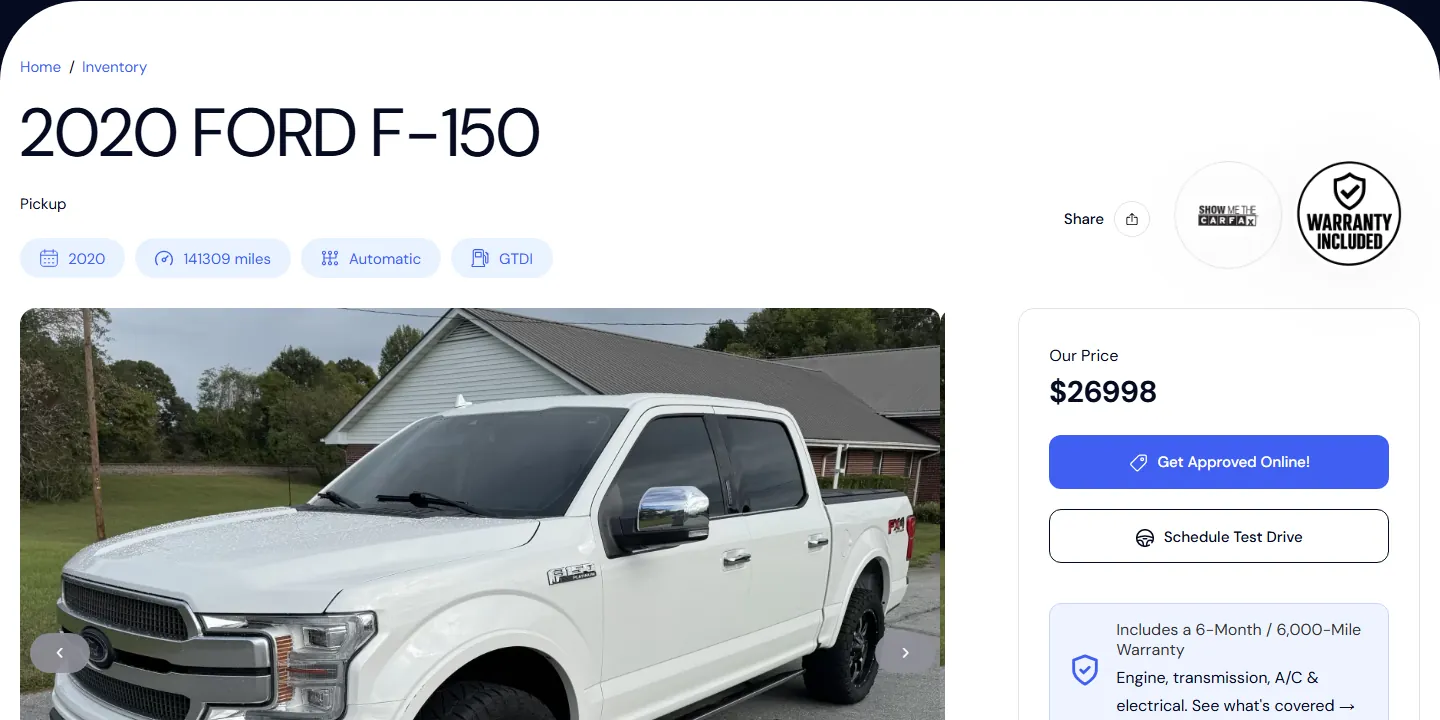
Each vehicle should have its own page with a descriptive title, like “2020 Ford F-150 for Sale in Liberty, SC,” plus photos, price, mileage and VIN details. Those are the pages shoppers land on when they search for a specific vehicle near them. A single inventory widget that loads everything into one page gives search engines much less to work with.
3. Who writes the vehicle descriptions?
Blank or one-line descriptions waste good photos. Ask whether the system helps you write them, and whether you can review and edit the result before it goes live.
Leads and financing
4. Where do leads go, and can I see every one?
Leads should land in one place your whole team uses, with the vehicle the shopper asked about attached. Ask whether you can assign leads to salespeople and spot the ones nobody has answered yet.
5. Can shoppers apply for financing from any vehicle page?
For many independent and BHPH lots, the credit application is the most important form on the site. It should be one tap away from every vehicle and easy to fill out on a phone.
6. What can a shopper do from a phone in one tap?
Call, text, get directions, apply, schedule a test drive. Open one of the provider's live client sites on your phone during the sales call and try each one.
Design and speed
7. Is the design built for my dealership, or is it the template everyone gets?
Ask to see several live sites the provider built. If they look nearly identical with different logos, that's what yours will look like too.
8. How fast do the sites load on a phone?
Take the address of a live client site and run it through Google's free PageSpeed Insights while you're on the call. Heavy, slow pages lose shoppers before the first photo appears. Our post on dealership mobile websites covers what to look for.
Search
9. What local search work is included at launch?
At a minimum: your city in page titles, a page for every vehicle, a sitemap submitted to Google Search Console, and help connecting your Google Business Profile. Ask what's included and what costs extra. Our local SEO checklist for car dealers goes deeper.
Ownership and cost
10. Who owns my domain name and my content, and what happens if I leave?
Your domain name should be registered to you. Ask whether you can take your content and inventory data with you, and what happens to your site the day the contract ends.
11. What do I pay up front, what do I pay each month, and for how long?
Get the setup fee, the monthly fee, the contract length and every add-on in writing. A low monthly price can hide a long contract or expensive extras.
Support
12. When something breaks, who do I contact, and how fast will they answer?
Ask whether you'll reach real people who know the car business, how you reach them, and how quickly they usually respond. Then ask one of their current clients.
One more thing: ask to see it live
Mockups are easy to make look good. Ask every provider for live client websites, open them on your phone, and if you can, call one of those dealers. If you're still deciding whether you need a provider at all, start with car dealer website builder or done-for-you?
How Greenlot USA answers these questions
- Inventory (1 and 3): your website runs on MyOnlineInventory. Decode the VIN, add photos, let the AI write a description you can edit, and changes sync to your live website in real time.
- Vehicle pages (2): see how every vehicle gets its own page on our featured client's website.
- Leads (4): website leads flow into MyOnlineInventory's built-in CRM, where you can assign them by hand or let Auto-Shuffle rotate them across your sales team.
- Design (7): every site is branded for your dealership, not a shared template, and most launch within 7 days.
- Support (12): real people, no call centers.
For everything else, including ownership and pricing, just ask us.
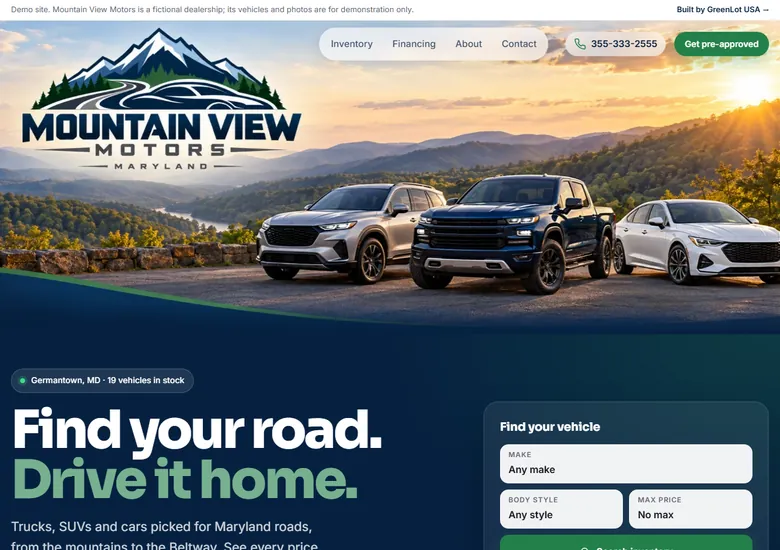
See a Greenlot site live. Open our featured client and demo dealership on your phone, or bring us your list of questions.
Want more dealer leads? Explore our Dealer Websites, Local SEO, and MyOnlineInventory, or talk to Greenlot USA. For more tips, visit the blog.
Learn more about used car dealer technology trends